

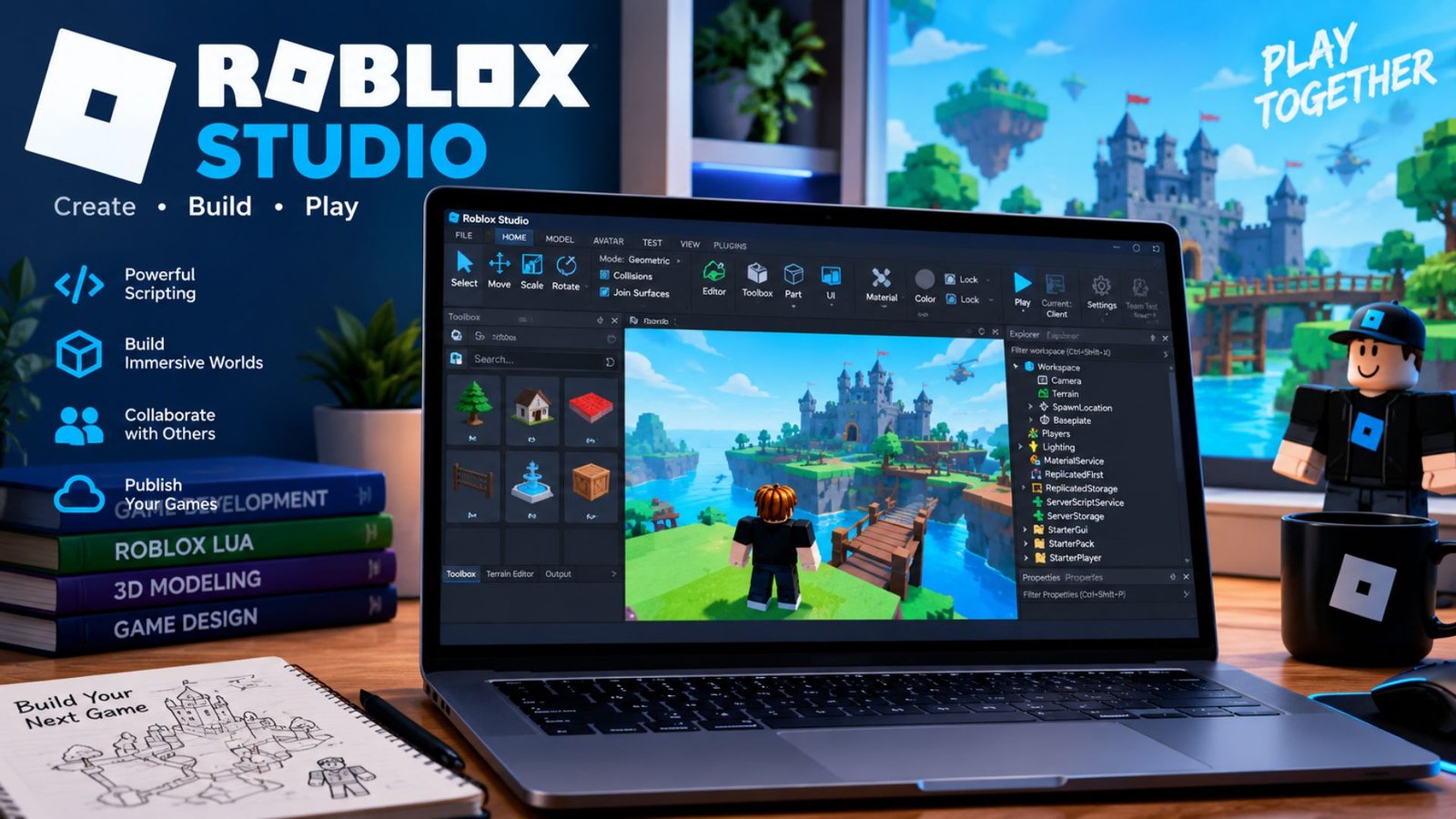
If you have ever opened Roblox and thought, “I want to make something like this myself,” Roblox Studio is where that process begins. The confusing part is that searching for Roblox Studio download often brings up information about the regular Roblox app, while people looking for Roblox Studio mobile support may find outdated claims about phones and tablets.
The distinction matters. Roblox Studio is the main desktop creation environment for building, scripting, testing, and publishing Roblox experiences. As of September 2026, Roblox officially supports Studio on Windows and Mac, while the Roblox experience itself can be played across mobile, desktop, console, and other supported platforms. Roblox has also started introducing a separate mobile-first creation experience called Build, which changes what creators can do from a phone but does not turn the traditional Studio application into a mobile app.
This guide explains how the Roblox Studio download works, what computer you need, why Studio does not install normally on Android or iPhone, and how to build with mobile players in mind.
What Is Roblox Studio?
Roblox Studio is Roblox’s primary development environment. It combines tools for 3D building, scripting, testing, asset management, and publishing in one application.
You can use it to create things such as:
- Obby and platform games
- Role-playing experiences
- Racing games
- Simulator games
- Adventure worlds
- Multiplayer experiences
- Interactive environments
- Custom interfaces and gameplay systems
The important distinction is that Roblox Studio is a creation tool, while the normal Roblox application is primarily used by players to discover and play experiences.
Studio also includes the Roblox engine and testing tools, so you do not have to build your project in one program and then use a completely separate engine to see how it works. Roblox describes Studio as an all-in-one IDE for creating experiences on the platform.
For someone learning game development, this makes Studio particularly useful because you can start with simple objects and gradually move into scripting, user interfaces, physics, multiplayer systems, and optimization.
Roblox Studio Download: How to Install It
The official Roblox Studio download is free. You do not need to purchase a developer license to start creating.
Roblox currently supports Studio on Windows and Mac. Its published minimum requirements include Windows 10 or macOS 10.14, while recommended configurations include Windows 11 or macOS 14+, 8 GB of RAM, and a 1600×900 or higher display resolution.
The installation process is straightforward:
- Open the official Roblox Studio download page.
- Select the option to download Studio.
- Open the downloaded installer.
- On Windows, the installer uses the
RobloxStudio.exefile. - On Mac, the installer uses
RobloxStudio.dmg. - Finish the installation and launch Studio.
- Sign in with your Roblox account.
Roblox’s own setup documentation recommends keeping Studio updated because experiences run on the current Roblox engine and newer Studio versions provide access to the latest APIs and features.
Is Roblox Studio Free?
Yes. Roblox Studio is free to use. You can create and develop experiences without buying a separate Studio license. Roblox also provides templates that allow beginners to start with an existing project instead of creating everything from an empty scene.
That does not mean every part of Roblox development is automatically free. You may choose to purchase third-party assets or other services, but the core Studio application itself does not require a paid license.
Can You Download Roblox Studio on Mobile?
This is one of the most misunderstood parts of Roblox development.
The traditional Roblox Studio application is not supported on smartphones or tablets. Roblox’s educational documentation specifically states that Studio requires a PC or Mac and cannot run on Chromebooks or mobile devices such as smartphones.
So if you search for “Roblox Studio mobile download” and expect an official Android or iPhone version of the full desktop editor, you should be careful.
The regular Roblox mobile app is different from Studio.
What About iPhone and Android?
You can play Roblox experiences on supported phones and tablets, but that is different from editing a full Studio project.
A phone is also useful for checking how your published experience behaves from a player’s perspective. However, the full desktop Studio interface includes many tools that are designed around a larger display, keyboard, mouse, scripting workspace, and 3D viewport.
This distinction prevents a common mistake: downloading an unofficial application or file that claims to be “Roblox Studio for Android” when it is actually something else.
Roblox Studio Mobile Is Changing — But Not in the Way Many Expect
There is an important recent development for people searching for Roblox Studio mobile.
In July 2026, Roblox announced Build, a mobile-first creation tab inside the Roblox app. Roblox describes Build as a way to create basic games from prompts directly within the mobile experience. It is intended to extend creation to people who may not already use traditional Studio.
However, Build and traditional Roblox Studio should not be treated as identical products.
Think of them as two different approaches:
| Feature | Roblox Studio | Mobile Build |
|---|---|---|
| Main purpose | Full game development | Mobile-first creation |
| Traditional 3D editing | Yes | More simplified |
| Advanced scripting | Yes | More limited/assisted |
| Full desktop workflow | Yes | No |
| Phone-focused | No | Yes |
| Suitable for detailed development | Yes | Designed for quicker creation |
| Roblox mobile app required | No | Yes |
Roblox has described Build as being connected to Studio’s broader creation ecosystem, with the goal of allowing creators to move between quick mobile creation and deeper development. Availability and features can change as Roblox expands the system.
A Useful Way to Think About Mobile Creation
If you only have a phone, your options are becoming broader, but you should not assume that every Studio workflow has moved to mobile.
For serious building, detailed scripting, debugging, asset organization, and large projects, a Windows PC or Mac remains the traditional Studio environment.
For quick ideas, experimentation, or mobile-first creation, Roblox’s newer Build initiative may be more relevant where it is available.
What Can You Actually Do in Roblox Studio?
The easiest way to understand Studio is to break development into four stages.
1. Build the World
Studio lets you place and manipulate 3D objects inside a workspace. You can move, rotate, resize, texture, and organize objects to construct your environment.
For example, a beginner making an obstacle course might start with:
- Platforms
- Spawn points
- Checkpoints
- Obstacles
- Decorative objects
- Lighting
- A simple finish area
You do not need to know advanced programming to begin experimenting with the building tools.
2. Add Gameplay With Luau
Once your world exists, scripting allows you to make it interactive.
Roblox uses Luau, a programming language derived from Lua, for scripting. You can use scripts to create mechanics such as doors, coins, timers, leaderboards, teleportation, inventory systems, and player interactions. Roblox’s education material also identifies Luau as the language learners can use with Studio’s built-in development environment.
A useful beginner habit is to avoid writing one enormous script. Separate gameplay systems into manageable pieces so that when something breaks, you can identify the relevant system more easily.
3. Test Before Publishing
One of the biggest beginner mistakes is assuming that a game works because it works once in Studio.
Roblox provides several playtesting modes, including Test, Test Here, and Run. Studio can also simulate multiple clients so developers can examine multiplayer behavior.
For example, imagine you create a door that opens when a player touches a button. It may work perfectly for you but fail when two players interact with it simultaneously.
Testing different situations early can expose those problems before players encounter them.
4. Test for Mobile Players
This is where Studio becomes especially useful for developers interested in mobile audiences.
Roblox’s Device Simulator can reproduce different screen dimensions, pixel densities, touch input, and other device characteristics. It includes phone and tablet profiles as well as desktop, console, and headset categories.
This means you can test a mobile layout even when the development computer is a desktop.
A Less Obvious Problem: Mobile UI Is Not Just Smaller Desktop UI
One practical insight that new developers often discover late is that simply shrinking a desktop interface does not create a good mobile interface.
A large button positioned neatly in the corner on a monitor might become difficult to tap on a phone. Text that looks perfectly readable on a large display may become cramped when the same interface is viewed on a smaller screen.
Roblox’s device simulation tools specifically allow creators to check screen dimensions, touch input, keyboard behavior, and physical display scaling.
A better workflow is to test your interface early instead of waiting until the game is finished.
Another Overlooked Issue: Test Network Conditions
A game can feel fast on the developer’s internet connection and still feel frustrating to another player.
Studio’s Network Simulator can introduce latency, jitter, and packet loss during testing. This allows developers to investigate how gameplay behaves under less ideal network conditions.
For multiplayer games, this can reveal problems that normal local testing misses.
For example, an interaction that responds instantly on a strong connection may become confusing when the server response takes longer. Testing those conditions can help you design clearer feedback for players.
READ ALSO :Paradise Season 2: Cast, Story, Episodes & Hell’s Paradise Explained
Common Roblox Studio Mistakes Beginners Make
Downloading the wrong software
Search results can make it easy to confuse Roblox Player with Roblox Studio. Always verify that you are getting the development application rather than the standard player.
Expecting Studio to work on a phone
The traditional Studio application is still a Windows/Mac tool. Roblox’s newer mobile creation features should not be confused with a full Android or iOS Studio port.
Building everything before testing
This creates a debugging nightmare. Test small systems as you create them.
Ignoring mobile controls
If your game is designed for a broad Roblox audience, touch interaction should be considered during development rather than added at the end.
Using too many free assets without checking them
The Creator Store provides access to a large collection of community assets. They can speed up development, but beginners should understand what they are adding to a project rather than treating every asset as a harmless decoration. Roblox Studio provides access to models, meshes, sounds, and other community-created resources.
Forgetting performance
A visually impressive scene can become difficult to run if it contains unnecessarily complex assets, excessive effects, or inefficient scripts.
A good development habit is to ask: “Does this object improve the player’s experience enough to justify its cost?”
A Practical Beginner Workflow
If you are downloading Roblox Studio for the first time, avoid trying to build a massive multiplayer game immediately.
A more manageable progression is:
- Open a beginner template.
- Learn how the Explorer and Properties windows work.
- Build a small environment.
- Add one simple gameplay mechanic.
- Test it repeatedly.
- Add a basic interface.
- Test the interface on different device sizes.
- Check multiplayer behavior if relevant.
- Test under less reliable network conditions.
- Publish only after the core experience is stable.
This approach gives you smaller problems to solve and makes it easier to understand why something works or fails.
💡 Pro Tip:
Keep a “test checklist” for your project. Instead of relying on memory, write down the actions that should always work—joining, spawning, moving, interacting, earning rewards, leaving, and rejoining. Run the checklist after major changes. This catches regressions much earlier than simply clicking Play and looking around.
Is Roblox Studio Worth Learning?
That depends on what you want to create.
For someone interested in making Roblox experiences, Studio provides the main desktop workflow for turning an idea into a playable project. It combines world building, scripting, testing, and publishing rather than requiring beginners to assemble an entire development environment themselves.
It can also teach transferable concepts. You encounter programming logic, interface design, debugging, game mechanics, optimization, multiplayer concepts, and project organization.
The biggest mistake is treating Roblox Studio as a magic game generator. It is a development environment. The software gives you the tools, but good results still require planning, testing, iteration, and attention to the player experience.
Frequently Asked Questions
Can I download Roblox Studio for free?
Yes. Roblox Studio is free to use and does not require a separate paid development license. The official desktop version is supported on Windows and Mac.
Can I use Roblox Studio on Android?
The traditional Roblox Studio application cannot run on Android smartphones or tablets. Roblox has introduced newer mobile-first creation features through Build, but these are distinct from the full desktop Studio application.
Can I use Roblox Studio on an iPhone or iPad?
The full Studio application is not officially supported on iPhone or iPad. Roblox’s current Studio documentation identifies Windows and Mac as the supported desktop platforms, while newer mobile creation tools are being developed separately.
What computer do I need for Roblox Studio?
Roblox currently lists Windows 10 and macOS 10.14 as minimum operating-system requirements, with 3 GB of RAM listed as the minimum and 8 GB recommended. A 1600×900 or higher display is also recommended.
Can I make a mobile Roblox game with Studio?
Yes. Studio is used to create experiences that can be published for players on mobile and other supported platforms. Its device simulation tools let developers test phone and tablet layouts, touch interaction, and other device-specific behavior before release.
Roblox Studio remains the primary full-featured development environment for creating Roblox experiences on Windows and Mac. The Roblox Studio download is free, and beginners can start with templates before moving into 3D building, Luau scripting, testing, and publishing.
📌 Key Takeaway
If you are searching specifically for Roblox Studio mobile, the answer is more nuanced in 2026: the traditional Studio application is still desktop-based, but Roblox is expanding mobile-first creation through Build. For serious development, a computer remains the practical Studio setup; for mobile experimentation, the newer creation tools may provide another starting point where available.
The most useful habit is simple: build something small, test it on the devices your players actually use, fix what breaks, and then expand. That workflow will teach you far more about Roblox development than downloading Studio and immediately attempting a huge project.
Conclusion
Roblox Studio gives creators a direct path from an idea to a playable Roblox experience. Its combination of building tools, Luau scripting, playtesting, device simulation, and publishing makes it possible to start small and gradually tackle much more sophisticated projects.
For desktop creation, download the official Studio application for Windows or Mac and begin with a simple template. If your goal is mobile development, remember that creating for mobile and creating on mobile are two different things. Studio can help you build and test mobile-friendly experiences, while Roblox’s newer Build initiative is opening additional possibilities for creating from mobile devices.
Start with one mechanic, test it thoroughly, and improve it through iteration. That is usually where the real learning—and the better Roblox experiences—begin.
