

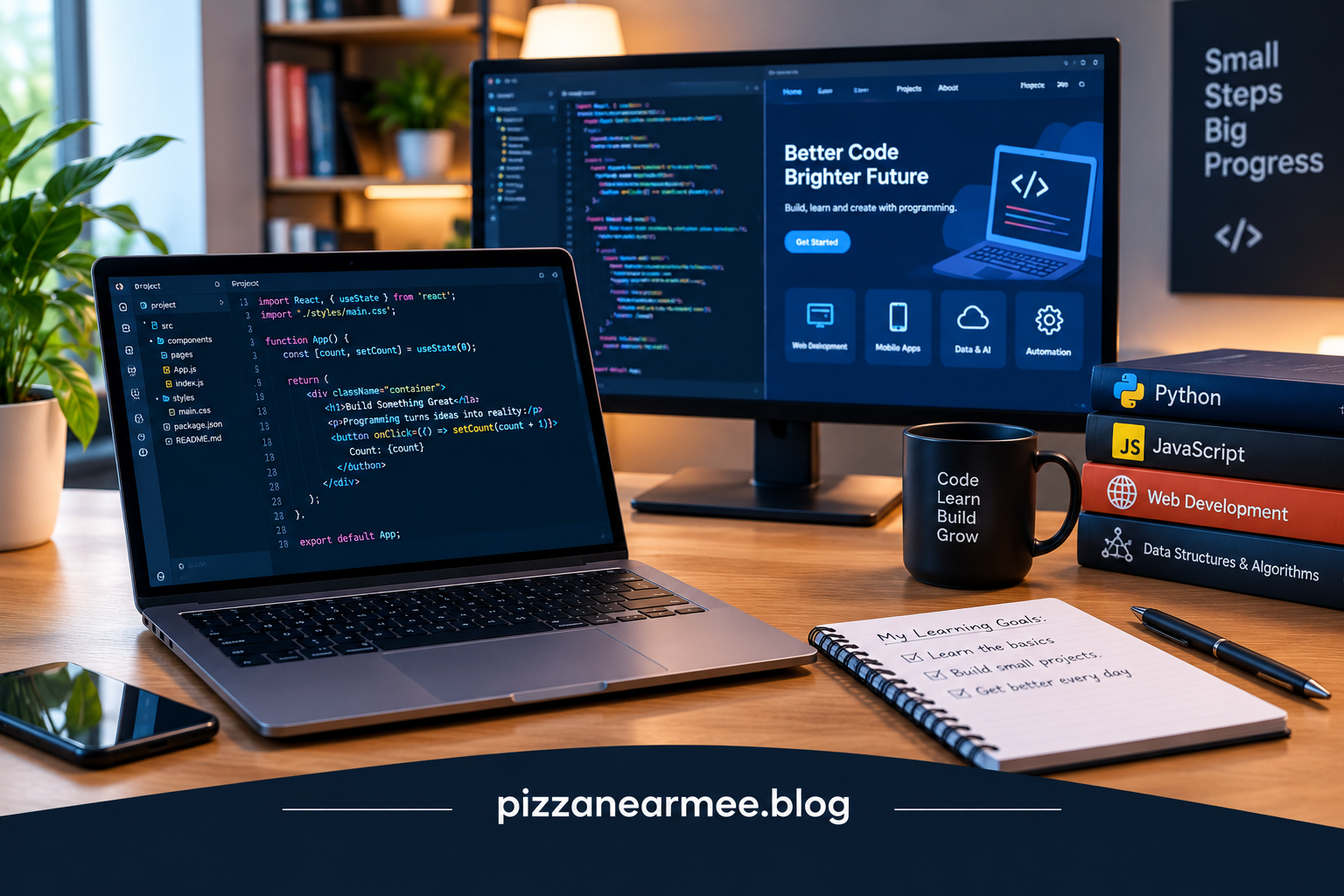
Programming turns a problem, idea, or task into precise instructions that a computer can execute. It sits behind websites, mobile apps, games, business software, automation tools, databases, and many services people use every day. For beginners, the field can seem enormous because there are many languages. The practical approach to programming is to learn the fundamentals first, then choose a language that fits your goals.
What Is Programming?
At its core, programming means writing and organizing instructions for a computer. Those instructions are expressed through languages that provide rules for representing logic, data, decisions, repetition, and interaction with other systems.
Good programming also involves learning how to break problems into smaller pieces, test assumptions, handle errors, read documentation, and maintain code as requirements change.
How Does Code Work?
Most software development follows a cycle:
- Define the problem and expected result.
- Break the task into smaller operations.
- Write code using an appropriate language.
- Run and test the program.
- Find and fix errors.
- Improve the code for readability, performance, security, or maintenance.
Computers ultimately execute instructions at a lower level than the code humans usually write. High-level languages provide abstractions that make software easier for people to create and understand, while compilers or interpreters translate those instructions into forms a computer can execute.
Common Languages and Their Uses
There is no single language for every project. The right choice depends on the platform, performance requirements, existing technology, team skills, and maintenance needs.
| Language | Common uses | Notable strength |
|---|---|---|
| Python | Automation, data, AI, web development | Readable syntax and broad ecosystem |
| JavaScript | Websites, web apps, server-side development | Central to web development |
| Java | Enterprise software, backend systems | Mature ecosystem and portability |
| C++ | Games, systems software, high-performance apps | Control and performance |
| C# | .NET applications, games, business software | Strong .NET ecosystem |
| Rust | Systems software and infrastructure | Memory-safety features and performance |
Python is often approachable for new learners because its syntax is relatively readable, and official documentation describes it as suitable for scripting and rapid application development. JavaScript is central to interactive web development, while C++ and Rust are often used where performance and lower-level control matter.
💡 Pro Tip: Do not choose a first language by trying to predict the entire technology industry. Pick one that lets you build small projects quickly, then use those projects to discover which area of software interests you.
What Can You Build With Code?
The possibilities depend on the tools and skills you combine.
Websites and Web Applications
HTML and CSS handle structure and presentation, while JavaScript can add interaction and dynamic behavior. Server-side languages and frameworks can handle accounts, databases, payments, APIs, and other application logic.
Mobile Apps
Developers can build applications for phones and tablets using platform-specific languages, frameworks, or cross-platform tools. Mobile development also involves interface design, device capabilities, storage, testing, and publishing.
Automation and Data
Scripts can automate repetitive tasks such as processing files, moving information between systems, generating reports, or checking data. Coding is also widely used for data analysis, scientific computing, and machine-learning workflows.
Games and Interactive Software
Game development combines code with graphics, audio, physics, input systems, artificial intelligence, and asset management. A small game can be an effective learning project because it introduces concepts through visible results.
Skills That Matter Beyond Code
Learning to code is not only about memorizing commands. Problem-solving is fundamental because developers start with a goal rather than a ready-made solution.
Debugging is equally important. Errors are normal, and the ability to reproduce, isolate, understand, and fix them is a core development skill.
Documentation and research matter too. Official references, technical guides, source code, and developer communities help programmers understand unfamiliar libraries and tools. Version control, especially Git, helps track changes and collaborate without losing earlier work.
Security should also be part of the development mindset. Input validation, authentication, authorization, dependency management, secure data handling, and careful error handling can prevent problems that are difficult to repair later.
How to Start Learning to Code
A beginner does not need to master several languages at once. Start with one programming language and learn its basic building blocks: variables, data types, conditions, loops, functions, collections, errors, and simple file or API operations.
Then build small projects. A calculator, task tracker, personal webpage, file organizer, simple game, or data-analysis script can teach more than passively watching tutorials.
Once the basics feel comfortable, read other people’s code and modify existing projects. Try changing one feature, breaking something intentionally, and then fixing it. That process develops understanding.
Official documentation is particularly useful because it reflects the actual language or tool. Python’s official beginner resources, for example, provide installation guidance, tutorials, documentation, and learning resources.
Coding and AI
AI-assisted development is changing how many developers write and troubleshoot software, but it does not remove the need to understand code. AI tools can generate examples, explain unfamiliar concepts, suggest approaches, and help investigate errors. They can also produce incorrect or insecure code.
A useful workflow is to treat generated code as a draft that needs review. Check its assumptions, test it, read relevant documentation, and understand what it changes. This is especially important for security-sensitive or production systems.
Recent developer survey reporting from Stack Overflow shows growing use of AI tools alongside continued reliance on technical documentation and human help. The practical lesson is that modern development can involve AI assistance without replacing core coding knowledge.
📌 Key Takeaway: Strong coding skills come from understanding how software works, practicing problem-solving, building real projects, and learning to verify the code and tools you use.
Frequently Asked Questions
Is Coding Hard to Learn?
The first concepts can feel unfamiliar, but programming becomes more manageable through regular practice. The difficulty usually comes from learning how to break problems into logical steps rather than memorizing syntax.
Which programming language should a beginner learn?
Choose based on your goal. Python can be a practical starting point for general learning, automation, data, and many application areas. Someone focused on interactive websites may begin with JavaScript alongside HTML and CSS.
How Long Does It Take to Learn to Code?
There is no fixed timeline. A learner can understand basic concepts in weeks with consistent practice, while becoming capable of building and maintaining larger software systems takes much longer. Progress depends on study time, project complexity, and prior experience.
Can I Learn to Code Without a Computer Science Degree?
Yes. Many skills can be learned through documentation, courses, projects, practice, and collaboration. A degree can provide broader computer-science foundations, but it is not the only route into software development.
Is Coding Still Useful With AI Tools?
Yes. Understanding programming helps you evaluate generated code, identify errors, make architectural decisions, protect applications, and adapt solutions when tools produce incomplete or incorrect results.
Conclusion
Programming remains a practical foundation for building and understanding modern software. The field includes many languages and specialties, but the underlying habits are consistent: define problems clearly, write understandable instructions, test assumptions, debug carefully, and keep learning.
For beginners, the best starting point is usually one language, one development environment, and a series of small projects. As those projects become more ambitious, concepts that once seemed abstract begin to connect to real applications, websites, automation, data, and emerging technologies.

1 Comment
Pingback: OpenAI News: Latest AI Developments in 2026 - Pizza Near Me